Flux Palette includes several custom tags to help you organize content and call attention to important information.
Alerts (Admonitions)
Use alerts to highlight specific information. They support 5 types: info, success, warning, danger, and tip.
Flux Palette calculates the read time for every post automatically. You can see it in the post metadata above!
You can use Markdown inside these alerts, including links and code snippets.
This is a warning without a custom title. It defaults to the type name.
Do not delete your _config.yml unless you know what you are doing.
Tabbed Interfaces
Perfect for showing different versions of code or grouping related content without cluttering the page.
To install on macOS, use Homebrew:
1 | brew install hexo |
To install on Windows, use npm:
1 | npm install -g hexo-cli |
On Linux, you can use your distribution’s package manager or npm:
1 | sudo npm install -g hexo-cli |
Accordions
Collapsible sections are great for FAQs or spoilers.
Flux Palette is a Hexo theme designed for performance, privacy, and multiple color schemes.
Check the sidebar! You can select from over 15 presets or define your own custom colors using the “Flux” option.
Spoiler/redact
You can hide content on a page with spoiler/redact tags. Such as:
Timelines
You can create project/history timelines with the timeline and timeline_item tags.
Inception
The initial concept for the project was defined. We outlined the core goals and selected the technology stack.
Alpha Release
The first internal release was made available to the team.
- Completed core engine
- Added basic UI components
Public Beta
We are currently in public beta. Users can now sign up and test the application.
Step-by-step guides
- Choose your palette
Select a palette in the sidebar. Each step accepts Markdown.
- Publish your article
Preview your changes, then publish the generated site.
Content cards
Explore articles that use the theme’s reading and content controls.
Keep articles you want to revisit in one place.
Comparison tables
| Feature | LocalRecommended | Hosted |
|---|---|---|
| Credentials | None | Required |
| Offline support | Available | Connection required |
Before and after
These images live in the site’s source/images/ folder. Files for content belong outside the theme.
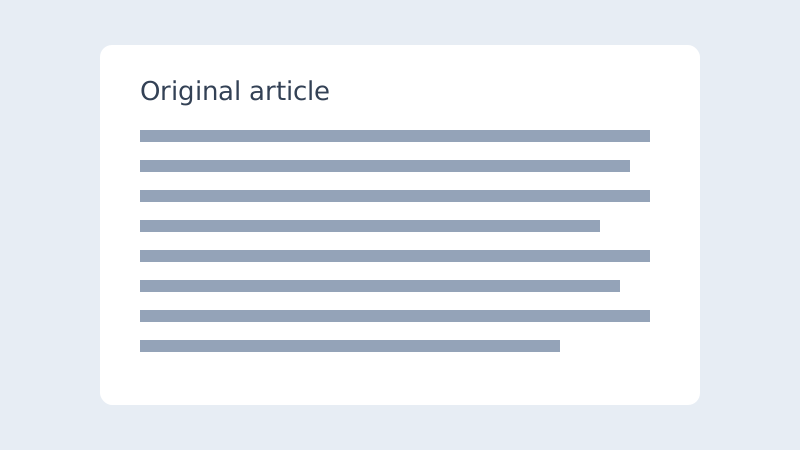
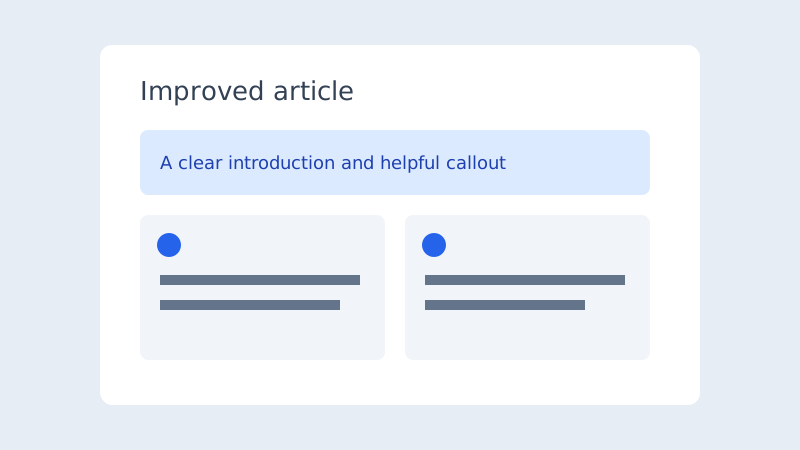 BeforeAfter
Annotated code
1 | const name = 'Reader'; |
- Lines 2
This line prints the greeting. Copying the code excludes this explanation.
Mermaid diagrams
Diagram source
flowchart LR
    Write --> Preview --> Publish
Math equations
Inline math: .
Glossary popovers
A A website generated into files before visitors request its pages. can serve content quickly.
Interactive checklists
- Review the article
- Check links and images
- Choose a palette
Figures and references
See Figure 1 for a local image example.
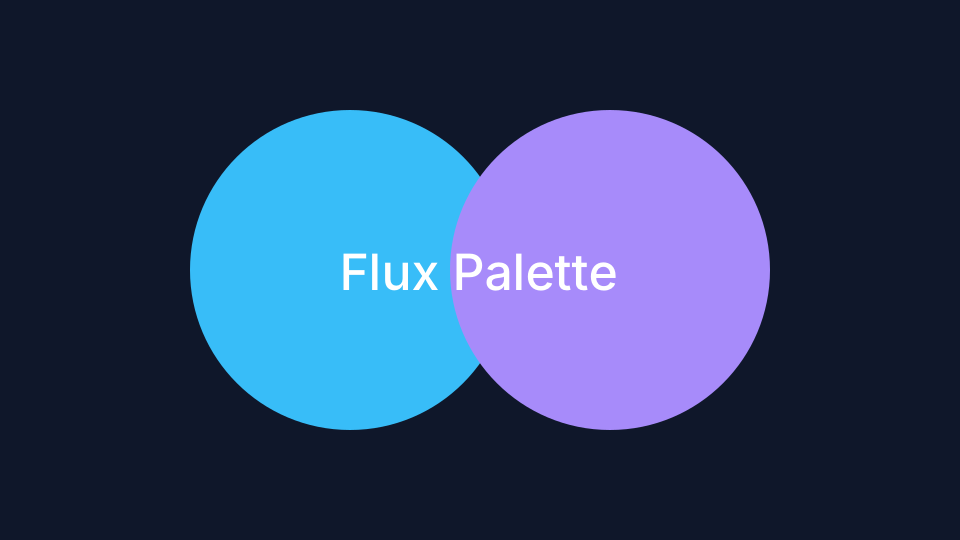
A local figure with a Markdown caption and attribution.
Credit: Flux PaletteDownload cards
This attachment lives at source/downloads/rich-content-guide.txt. A post or project can also use a relative URL for a file in its own asset folder.
Pros and cons
- Content stays in Markdown files.
- Components follow the selected palette.
- Interactive controls require JavaScript.
- Publishing changes requires a build.
Comments require an internet connection.